Reset a Touchless Trash Can: Power Cycle & Recalibrate
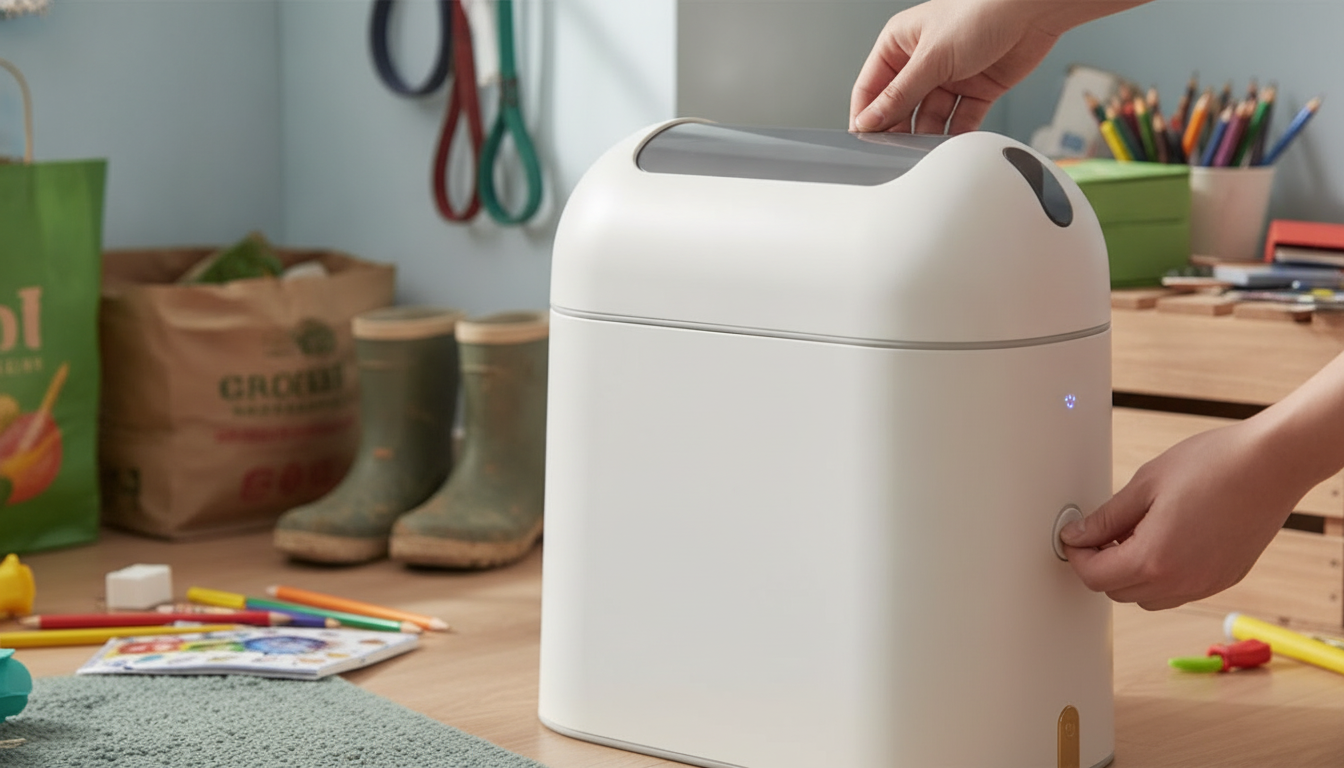
How do I reset my touchless trash can?
Most touchless trash cans reset quickly with a simple power cycle, then (if needed) a sensor recalibration. The exact steps vary by model, but the sequence below works for many common bathroom and kitchen sensor cans.
1) Do a full power reset
Start by turning the unit off (if it has an ON/OFF switch). Remove the batteries and leave them out for 30–60 seconds to clear the electronics. While the batteries are out, inspect the battery contacts for corrosion or moisture; wipe them dry if needed. Reinstall fresh batteries, matching the polarity marks, and turn the can back on.
2) Clear the sensor area and lid path
Before testing, make sure nothing is hovering in front of the sensor window and that the lid can move freely. Re-seat the liner ring and bag so plastic isn’t caught in the hinge area. If the lid is stuck or slow, lightly clean around the hinge and wipe the sensor window with a dry microfiber cloth.
3) Recalibrate by leaving it undisturbed
After power is restored, many cans “learn” the environment for a few seconds. Set the trash can in its usual spot, keep hands and objects away from the sensor, and wait 10–30 seconds. Then wave your hand 6–10 inches in front of the sensor to test.
4) If it still won’t reset, check placement and power
Bright sunlight, reflective surfaces, or very close walls can confuse sensors. Move the can a few inches away from cabinets or glossy tile and test again. If behavior is erratic (opening repeatedly or not responding), replace all batteries with a new matching set and confirm the compartment door is fully closed.
For model-specific steps, troubleshooting details, and operating tips, see the complete guide here: https://bro.sale/guide-9l-touchless-smart-sensor-trash-can-bathroom-kitchen/.
FAQ
Why does my touchless trash can keep opening by itself?
Ghost openings are usually caused by low batteries, a dirty sensor window, or placement near sunlight/reflective surfaces. Replace the batteries, clean the sensor, and relocate the can away from direct light or tight corners.














Leave a comment