Black Aluminum Wireless Hot-Swap RGB Gaming Keyboard
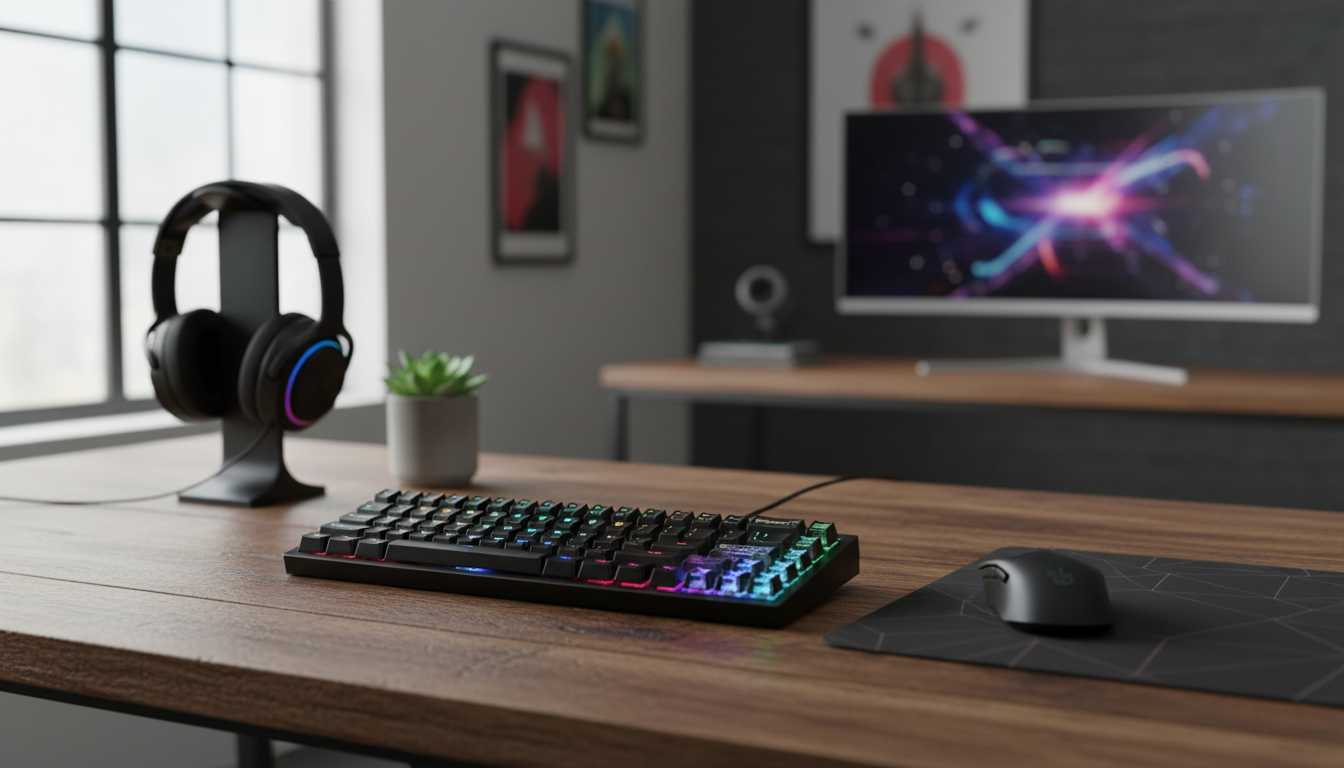
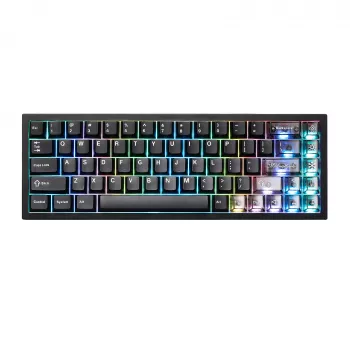
Black Aluminum Wireless Mechanical Gaming Keyboard with Hot-Swap Switches and RGB
A rigid aluminum frame, wireless flexibility, hot-swap switch support, and customizable RGB lighting combine to create a keyboard built for fast play and long sessions. The right mix of these features can change how stable the board feels, how easy it is to tailor your typing sound, and how clean your desk setup stays day to day.
What makes an aluminum mechanical keyboard feel different
An aluminum chassis changes the experience in ways that show up quickly—especially if you play games that involve rapid strafing, repeated key combos, or heavy key presses.
- Less flex under pressure: Aluminum adds stiffness, so the board feels more rigid during intense inputs and rapid tapping.
- More “planted” on the desk: Extra weight helps the keyboard stay put, which is helpful in low-sensitivity FPS play, rhythm games, or anytime you’re hitting the same cluster of keys repeatedly.
- A different sound profile: Metal cases can shift acoustics toward a sharper, more “solid” tone depending on the plate material and any internal dampening.
- Long-term durability: Compared with many plastic shells, aluminum is generally more resistant to cracking and warping from travel, temperature changes, and daily wear.
Wireless performance for gaming and daily work
Wireless keyboards aren’t just about convenience—done right, they can also support serious gaming and a cleaner workstation.
- Less clutter, easier layouts: Cutting the cable can simplify a multi-monitor desk, compact setups, or shared spaces where you move gear often.
- Latency and stability matter most for gaming: A reliable connection with consistent response is more valuable than maximum range when you’re playing at a desk.
- Battery life depends on lighting: RGB brightness and animated effects typically draw the most power; dimming the lights or switching to static color often extends runtime noticeably.
- Multi-device workflows: If you bounce between a PC and a laptop/tablet, quick switching support can be a major quality-of-life upgrade.
For background technical reference on wireless behavior and compatibility, the Bluetooth Core Specification outlines how Bluetooth connections are standardized across devices.
Hot-swap switches: why it’s a big upgrade
Hot-swap support is one of the most practical “premium” features because it extends the life of the keyboard and makes customization far easier.
- No soldering required: Hot-swap sockets let you pull a switch and press in a new one with basic tools, making experimentation and maintenance simple.
- Tune feel and sound over time: Swap to linear switches for smooth travel, tactile for feedback, or clicky for a crisp, audible response.
- Fix one key instead of the whole board: If a single switch becomes inconsistent, you can replace that one switch instead of retiring the keyboard.
- Check compatibility before buying switches: Many hot-swap boards accept MX-style switches, but you still need to confirm socket type and whether it supports 3-pin vs. 5-pin layouts.
If you’re curious how keyboards map key presses in standardized input terms, the USB HID Usage Tables provide the official reference used widely across devices and operating systems.
RGB lighting that’s actually useful
RGB is often treated as purely aesthetic, but it can be genuinely practical—especially for dim rooms, late-night sessions, or shared workstations.
- Better visibility: Per-key or zone lighting can make legends easier to see and reduce mis-keys when the room lighting is low.
- Quick visual cues: Color can be used to highlight game keybind clusters, layers, or macros (depending on board support).
- Software-free control helps: Brightness, effect speed, and preset switching directly from the keyboard is useful when you’re swapping between devices or don’t want to install software.
- Battery tradeoff: A “lights off” or low-brightness profile is ideal for travel days and long work sessions where runtime matters.
Quick spec snapshot
This model pairs a black aluminum body with wireless operation, hot-swap switch support, and RGB lighting. It’s a strong fit for gamers who want a stable, premium-feeling chassis now, plus the option to experiment with different switch feels later.
| Feature | What it means for use |
|---|---|
| Aluminum case | Stiffer feel, heavier and more stable on the desk |
| Wireless connection | Cleaner setup; convenient for multi-device desks |
| Hot-swap switch support | Change switches without soldering; easier repairs and tuning |
| RGB lighting | Better visibility and personalization; can reduce battery life |
Who this keyboard is best for
- Competitive or frequent gamers: The stability of an aluminum chassis can help keep movement and ability keys consistent under pressure.
- Tinkerers and hobbyists: Hot-swap sockets make it easy to try different switch types without committing forever.
- Wireless-first desk setups: Great for clean cable management, minimalist desks, and workstations that need flexibility.
- RGB users who still want control: Whether you like subtle static lighting or brighter effects, having adjustable profiles makes the feature more than just decoration.
Care, upkeep, and easy upgrades
- Use the right tools: A keycap puller and switch puller help prevent bent pins and reduce the chance of scratching the plate while swapping switches.
- Clean on a schedule: Pull keycaps periodically, dust with a soft brush, and wipe the case with a slightly damp microfiber cloth.
- Fine-tune the sound: If the case sounds a bit “pingy,” adding case foam (when compatible) or simply using a desk mat can reduce vibration and reflections.
- Travel smart: Turn RGB off to conserve battery and use a protective sleeve to prevent scuffs on keycaps and the case finish.
Products in stock
- Black Aluminum Wireless Mechanical Gaming Keyboard – Hot-Swap RGB
- Elegant Solid Wood Nightstand with Rattan Storage – Modern Moroccan Design
FAQ
What keyboards are aluminum?
Aluminum keyboards typically use an aluminum case or top plate to add rigidity and a more premium feel. Some models have an aluminum top with a plastic bottom, while others use a full aluminum housing for maximum stiffness and durability.









Leave a comment